CUSTOM TECHNOLOGY / AI APPLICATIONS
Build the application
around your enterprise process.
Create internal tools and client-facing applications with the business logic, data connections and user experience your process requires. Reuse Evidence OS services for analytical work and workflows, then build the software around them.
What is an enterprise AI application?
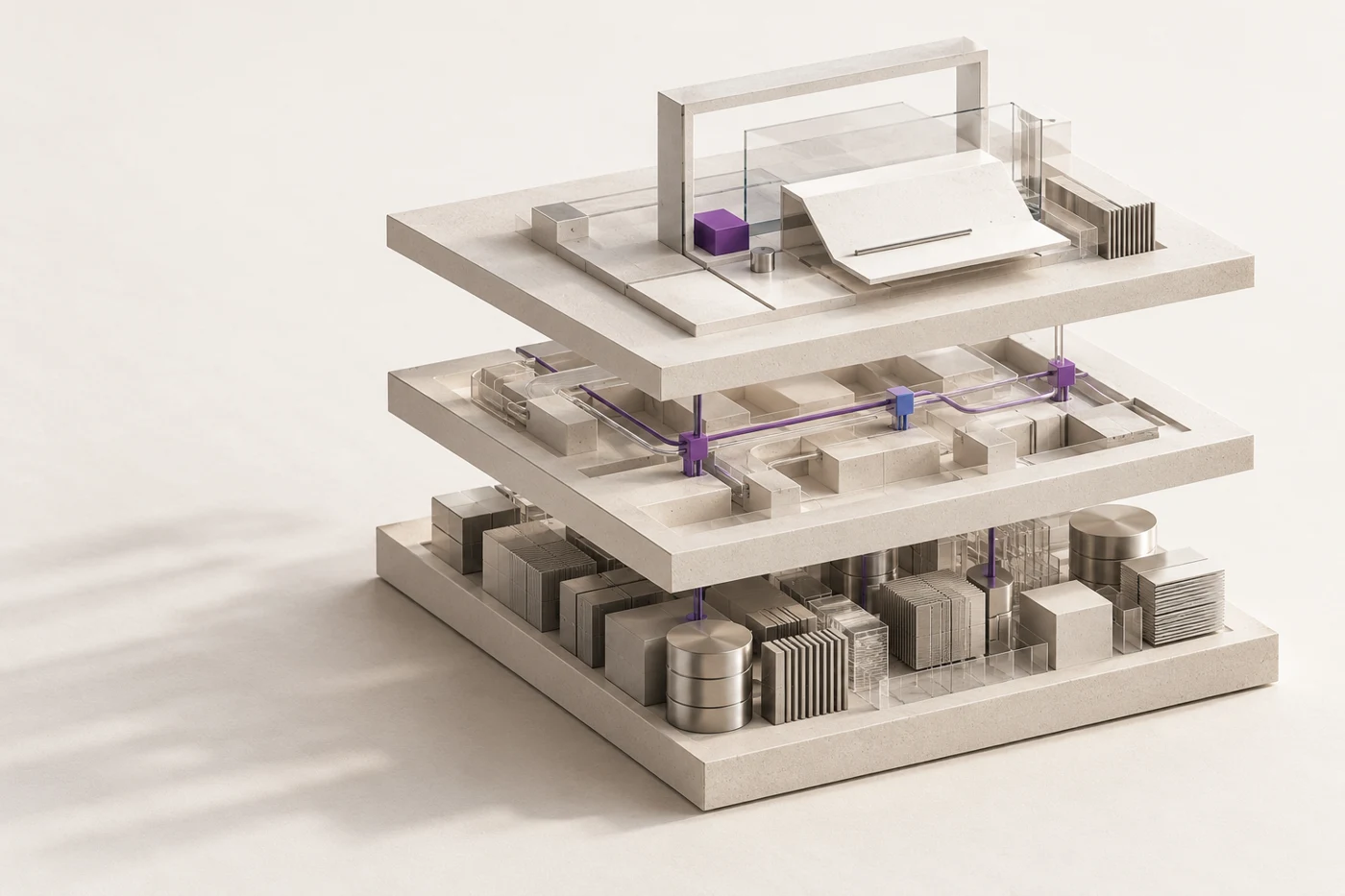
An enterprise AI application combines AI-assisted work with business data, software rules and a user experience for a defined process. It may be an internal operations tool or a client-facing product. The model is one component; the application determines how the work gets completed.
THREE APPLICATION DESIGNS
Choose the application around the work.
| Business process | Application behaviour | Platform and custom components |
|---|---|---|
| Account review | Bring selected CRM or warehouse records together with company context and show the next investigation. | Use data and agent services; build account mapping, the review interface and system connections. |
| Revenue investigation | Reconcile the revenue movement, then examine relevant support history at account level. | Reuse analytical and workflow services; build the billing model, joins and finance review experience. |
| Client reporting | Prepare period-specific analysis, collect review decisions and issue a report version. | Use workflow runs and analytical outputs; build client access, report state and delivery integrations. |
REFERENCE DESIGN / CLIENT REPORTING
Design for the whole reporting process.
A team serving several clients needs to choose the account and reporting period, access the right data, review a draft and issue the report. The application should make those steps clear.
AI can help analyse findings or draft an explanation. The surrounding software manages access, client records, report versions and the actions available to each user.
SCREENS AND SERVICES
The screens behind a reporting application.
| Application surface | What it must do |
|---|---|
| Request and context | Capture the account, reporting period and intended output; resolve the available inputs. |
| Evidence view | Let the reviewer inspect source references, returned measures and the period behind a finding. |
| Review screen | Show the generated work, unresolved questions and the edits or decisions the user needs to make. |
| Completion and history | Retain the accepted output and the context required to understand that version. |
WHERE AI FITS
Choose where AI helps and where software rules apply.
A model can select relevant evidence or draft an explanation. Access checks, account identity, totals and report status need explicit software rules. We assign each responsibility to a component.
Evidence OS can provide data access, agents and reusable workflows. The application extends these with domain calculations, user and account models, integration logic and the interfaces required to complete the task.
WHAT THE BUILD INCLUDES
What the build covers.
We agree the application design, data and identity connections, analytical services, deployment and operating documentation. Testing follows the user’s task through the selected systems to the final result.
See delivery and operational handoverEXTENDING BEYOND ONE USE CASE
A reporting application is one design example.
The same separation of responsibilities applies to an internal operations tool or a customer-facing product: business systems retain their records, platform services perform the selected work and application software handles the user journey.
We define the first release around the process you need to improve. Additional workflows, sources and interfaces can be planned as explicit extensions, rather than forcing every requirement into the original report format.
See the platform and application responsibilities